

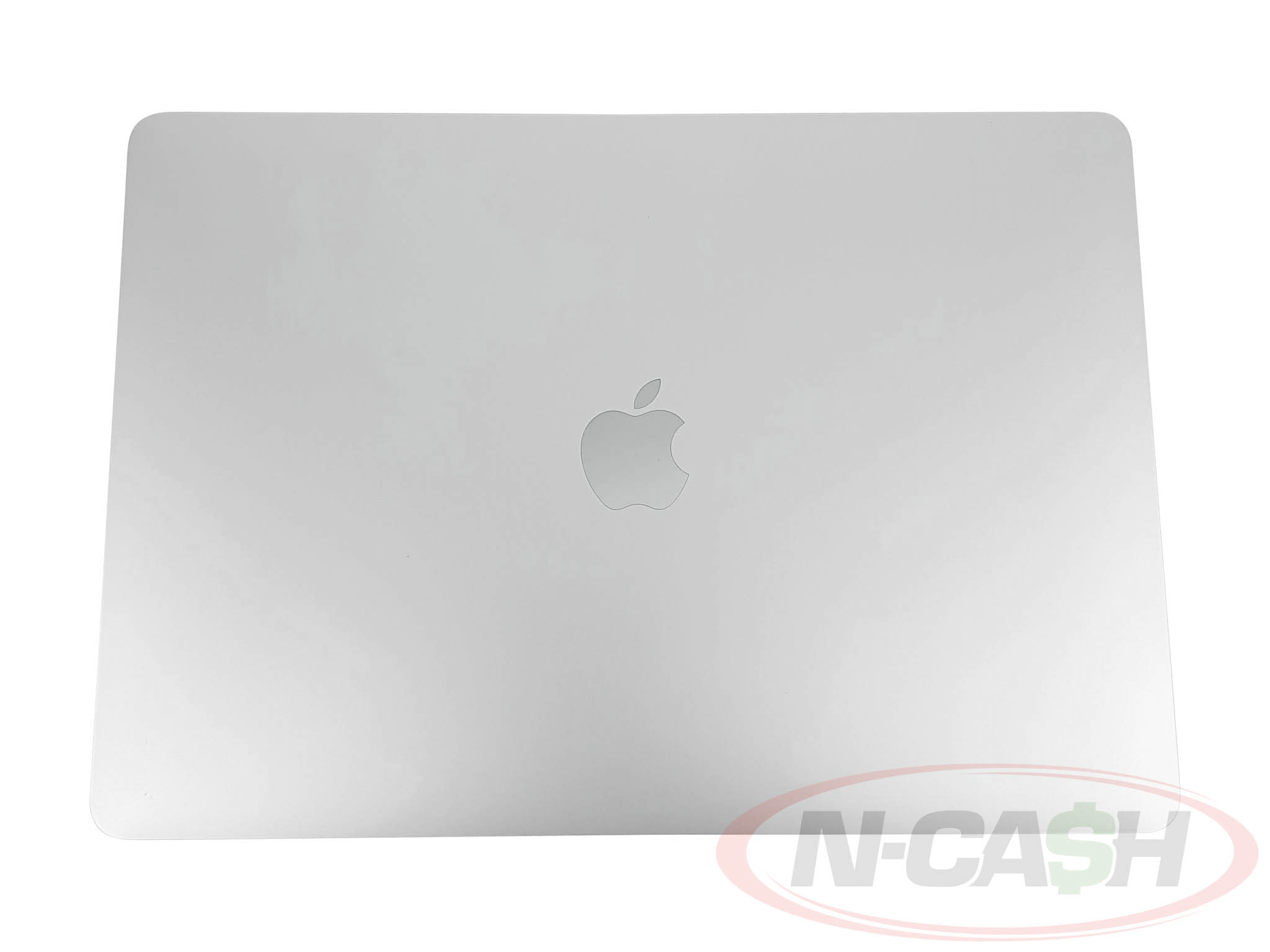
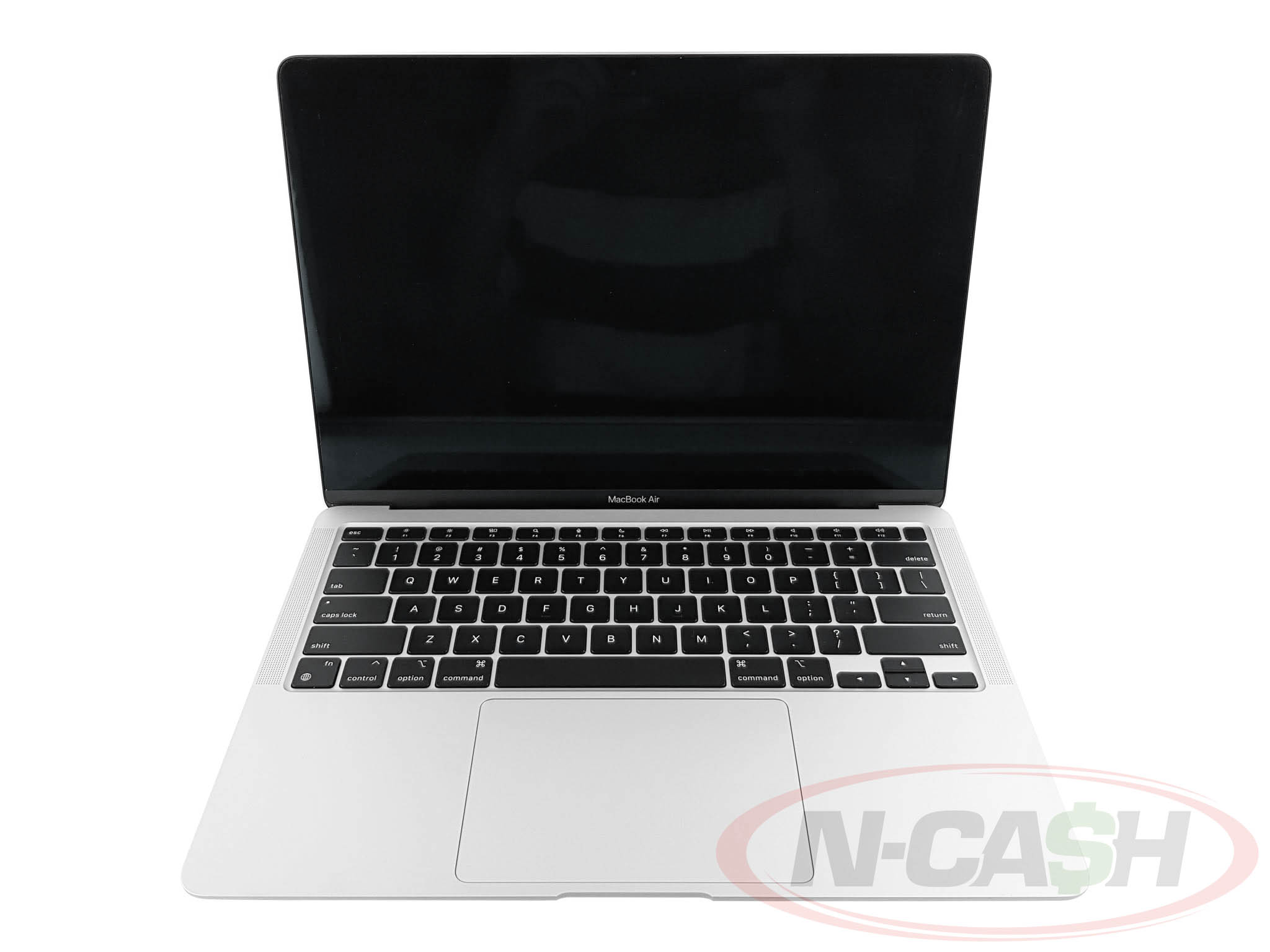
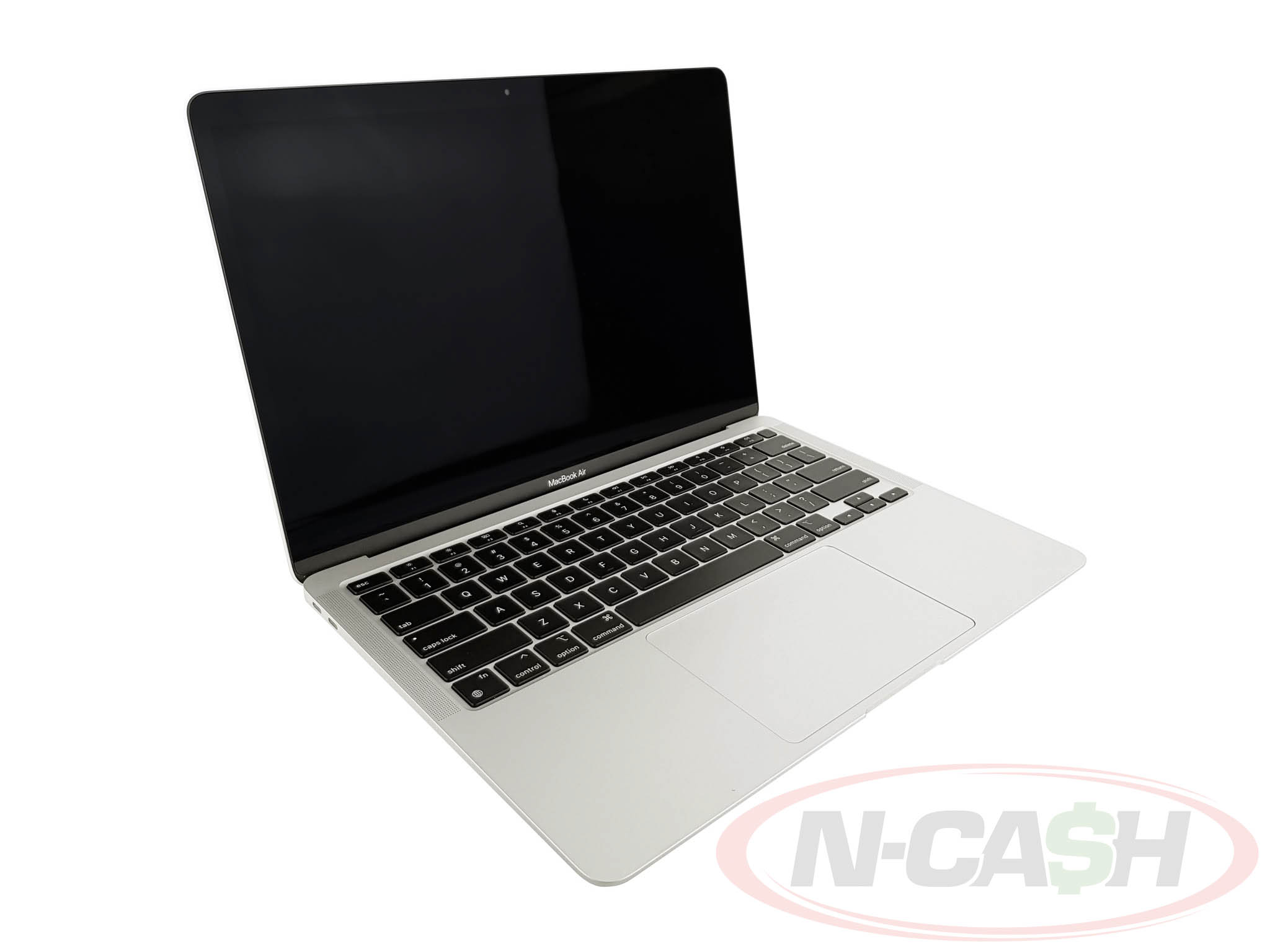
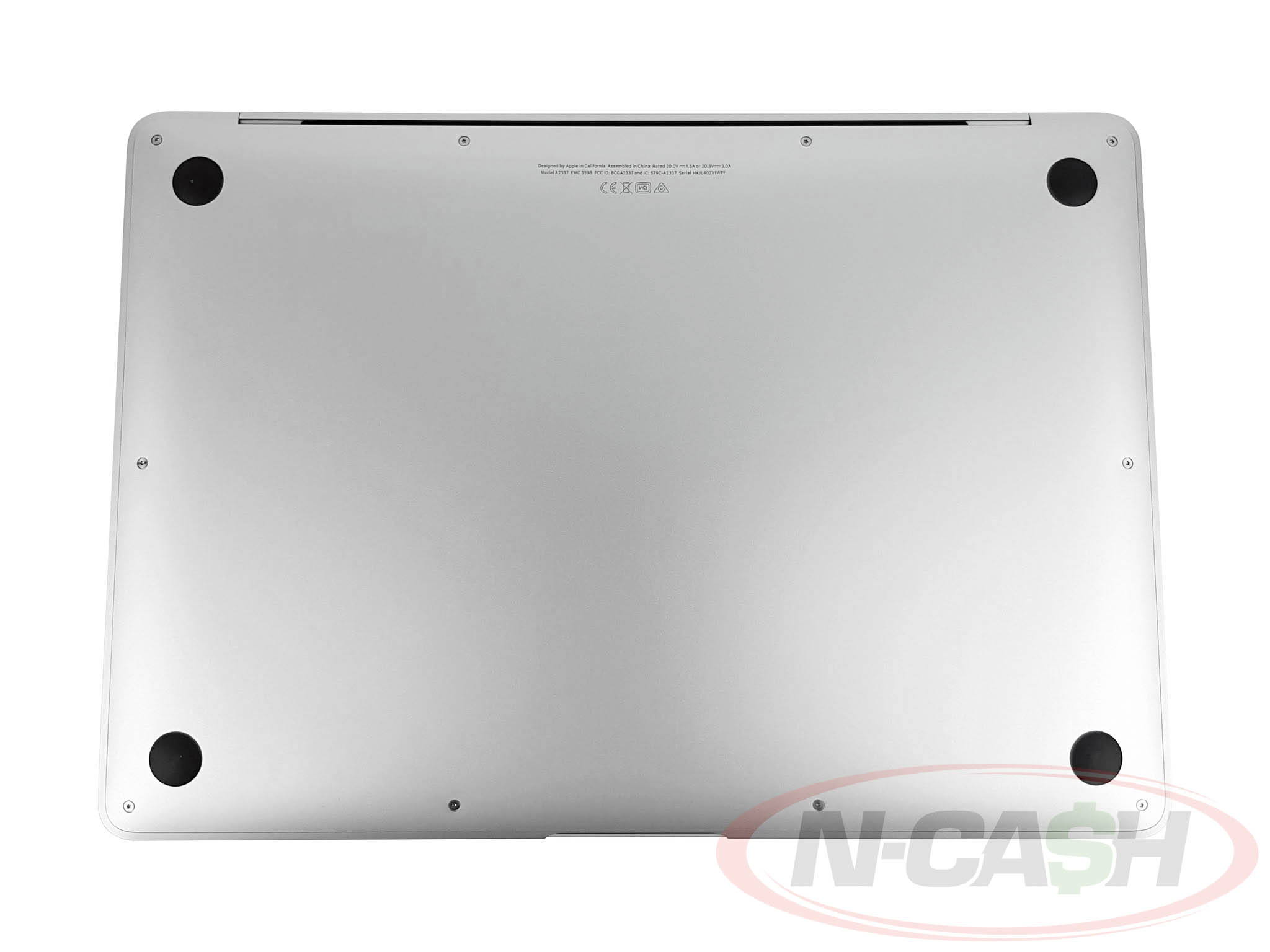
SOLD
Model No. MGN93PP/A
Apple M1 processor 3.2 GHz with 8 cores
13.3″ Retina display with True Tone
8 GB RAM
256GB SSD storage
Battery cycle count of: 48
Appearance is 9 out of 10
Perfect working condition
Unit comes with USB-C cable and power adapter, manual, stickers, hardshell case, and original box
The Apple MacBook Air M1 256GB is a thin and lightweight laptop designed for work, school, business, and everyday creative tasks. Powered by Apple’s M1 chip, it delivers responsive performance, quiet fanless operation, and long battery life in a portable aluminum body.
This 13-inch MacBook Air remains a practical option for users who need a dependable macOS laptop for web browsing, office applications, video calls, photo editing, content creation, and entertainment. Its combination of Apple silicon performance, a sharp Retina display, Touch ID, and a fast 256GB solid-state drive makes it suitable for both first-time Mac users and those upgrading from an older Intel-based MacBook.
Key Specifications
Specification
Details
Product
Apple MacBook Air
Generation
MacBook Air M1, 2020
Processor
Apple M1 chip
CPU
8-core CPU
Graphics
7-core GPU
Neural Engine
16-core Neural Engine
Memory
8GB unified memory
Storage
256GB SSD
Display
13.3-inch Retina display
Resolution
2560 × 1600 pixels
Brightness
400 nits
Color
Wide Color P3 and True Tone
Camera
720p FaceTime HD camera
Security
Touch ID
Keyboard
Backlit Magic Keyboard
Wireless
Wi-Fi 6 and Bluetooth 5.0
Ports
Two Thunderbolt / USB 4 ports
Audio Port
3.5mm headphone jack
Battery
Built-in 49.9Wh lithium-polymer battery
Rated Battery Life
Up to 15 hours wireless web browsing
Operating System
macOS
Weight
Approximately 1.29 kg
Fast and Efficient Apple M1 Chip
The Apple M1 combines the processor, graphics, memory architecture, and Neural Engine into a single system on a chip. Its 8-core CPU contains four performance cores and four efficiency cores, allowing the MacBook Air to handle everyday workloads while using less power than earlier Intel-based models.
The MacBook Air M1 is well suited for:
• Microsoft Word, Excel, and PowerPoint
• Web browsing and online research
• Video meetings and remote work
• Email and business applications
• Photo organization and editing
• Social media content creation
• Coding and software development
• Streaming movies and music
• Light to moderate video editing
The 16-core Neural Engine also supports machine-learning processes used by compatible macOS applications.
Silent Fanless Design
The MacBook Air M1 uses a fanless cooling system, allowing it to operate silently during normal use. There is no cooling fan that spins up during meetings, writing, browsing, or media playback.
Its slim aluminum enclosure and approximately 1.29 kg weight make it easy to carry between home, school, the office, and meetings. The laptop is particularly suitable for users who value portability and quiet operation.
Sustained professional workloads such as long video exports or intensive rendering may be better suited to an actively cooled MacBook Pro, but the MacBook Air provides more than enough performance for most everyday users.
Sharp 13.3-inch Retina Display
The 13.3-inch Retina display has a native resolution of 2560 × 1600 pixels at 227 pixels per inch. Text appears sharp, images are detailed, and the 16:10 aspect ratio provides more vertical workspace than many conventional widescreen laptops.
Display features include:
• IPS display technology
• 400-nit brightness
• Wide Color P3
• True Tone technology
• Support for millions of colors
True Tone automatically adjusts the display’s color temperature according to surrounding light, while P3 wide color provides a broader range of colors for photos, videos, and design work.
8GB Unified Memory
The standard model includes 8GB of unified memory shared efficiently between the CPU, GPU, and other components of the M1 chip.
It is appropriate for typical workloads involving multiple browser tabs, office applications, messaging platforms, media playback, and basic creative software. However, users who regularly handle large video projects, complex development environments, virtual machines, or unusually heavy multitasking may benefit from a higher-memory Mac.
The memory is integrated into the M1 package and cannot be upgraded after purchase. Buyers should therefore confirm the installed memory before purchasing a pre-owned unit.
Fast 256GB SSD Storage
The built-in 256GB solid-state drive provides quick startup, responsive application loading, and fast file access. It offers enough capacity for macOS, productivity applications, documents, and a moderate collection of photos and videos.
Users with large media libraries may need external storage or a cloud-storage subscription. The internal SSD is not designed for conventional user replacement or upgrading.
Long Battery Life
Apple rates the MacBook Air M1 for up to 15 hours of wireless web browsing and up to 18 hours of video playback under its controlled testing conditions. It contains a 49.9Wh battery and originally shipped with a 30W USB-C power adapter.
Actual battery performance depends on screen brightness, battery condition, installed applications, network activity, and workload. For a pre-owned unit, checking the battery cycle count and maximum capacity is especially important.
Magic Keyboard and Touch ID
The backlit Magic Keyboard offers a comfortable traditional scissor-switch mechanism, while the large Force Touch trackpad supports Multi-Touch gestures and pressure-sensitive input.
Touch ID allows users to:
• Unlock the MacBook
• Approve compatible purchases
• Access saved passwords
• Authenticate supported applications
• Switch quickly between user accounts
The fingerprint sensor adds convenience without requiring the user to enter a password repeatedly.
Thunderbolt and USB 4 Connectivity
The MacBook Air M1 includes two Thunderbolt / USB 4 ports that support charging, data transfer, DisplayPort video output, Thunderbolt 3 devices, and USB accessories.
Connection support includes:
• Thunderbolt 3 at up to 40Gb/s
• USB 4 at up to 40Gb/s
• USB 3.1 Gen 2 at up to 10Gb/s
• Charging through USB-C
• DisplayPort video output
• 3.5mm headphone jack
A compatible hub or adapter may be required when connecting standard USB-A accessories, HDMI displays, memory cards, or wired Ethernet.
macOS and Apple Ecosystem Integration
The MacBook Air works closely with other compatible Apple devices. Depending on the installed software and device settings, users can move between a Mac, iPhone, iPad, Apple Watch, and AirPods with features such as AirDrop, iCloud, Handoff, Universal Clipboard, iMessage, and FaceTime.
This integration is particularly useful for users who already store photos, documents, messages, and passwords within the Apple ecosystem.
Who Should Buy the Apple MacBook Air M1?
The MacBook Air M1 256GB is a strong choice for:
• Students
• Teachers
• Office professionals
• Business owners
• Remote workers
• Writers and researchers
• Freelancers
• Casual photo and video editors
• First-time Mac users
• Buyers looking for a portable everyday laptop
It is best for users who prioritize battery life, portability, quiet operation, and dependable general performance rather than high-end gaming or sustained professional rendering.
Important Checks When Buying Pre-Owned
Before purchasing a used MacBook Air M1, verify the following:
• Battery cycle count and maximum capacity
• Exact installed memory and storage
• Display condition and absence of pressure marks
• Keyboard, trackpad, speakers, and camera operation
• Charging and data functionality of both USB-C ports
• Touch ID functionality
• Wi-Fi and Bluetooth connectivity
• Activation Lock and Find My status
• Absence of organization or remote-management enrollment
• Serial number consistency between macOS and the chassis
• Inclusion and condition of the charger
The MacBook should be properly removed from the previous owner’s Apple Account and reset before transfer.
Frequently Asked Questions
What year is the MacBook Air M1?
The MacBook Air with the Apple M1 chip was introduced in 2020.
How much RAM does the MacBook Air M1 256GB have?
The standard retail configuration generally includes 8GB of unified memory. Apple also offered a configurable 16GB version, so the exact specification should be checked through About This Mac or System Information.
Can the RAM be upgraded?
No. The unified memory is integrated into the Apple M1 architecture and cannot be upgraded after purchase.
Can the 256GB SSD be upgraded?
The internal SSD is not intended for conventional user upgrades. External SSDs and cloud storage can be used when additional capacity is required.
Does the MacBook Air M1 have a fan?
No. It uses a fanless cooling design and operates silently.
Does it have a Retina display?
Yes. It has a 13.3-inch Retina display with a resolution of 2560 × 1600 pixels, 400-nit brightness, P3 wide color, and True Tone.
Does the MacBook Air M1 have Touch ID?
Yes. Touch ID is built into the keyboard for unlocking the Mac and approving compatible authentication requests.
Does it have an HDMI port?
No. A compatible USB-C or Thunderbolt adapter is required for HDMI output.
Is the MacBook Air M1 good for video editing?
It is capable of photo editing and light to moderate video editing, including work in compatible applications optimized for Apple silicon. Very demanding multicamera projects, complex visual effects, or long sustained exports may be better suited to a higher-specification MacBook Pro.
Is the MacBook Air M1 still good for students and office work?
Yes. Its M1 processor, Retina display, long rated battery life, compact design, and support for productivity applications make it well suited for school, office, and remote-work tasks.
Why Buy the Apple MacBook Air M1 256GB?
The Apple MacBook Air M1 256GB remains an attractive portable laptop for users who need smooth everyday performance, excellent rated battery life, silent operation, and access to the Apple ecosystem.
Its combination of an efficient M1 processor, sharp Retina display, responsive SSD, Touch ID, and lightweight aluminum design makes it a practical choice for students, professionals, and everyday users seeking a capable MacBook without the size and weight of a conventional performance laptop.
laptopsbyncash